
Host
Put a table together in a minute
Pick the restaurant and the date, set the number of seats and choose who can see it. Requests come to you, and nobody is in until you say yes.
Inside the app
Open Chillzin and your next table is the first thing you see: where, when, who has asked to join, and what else is on around you this week.
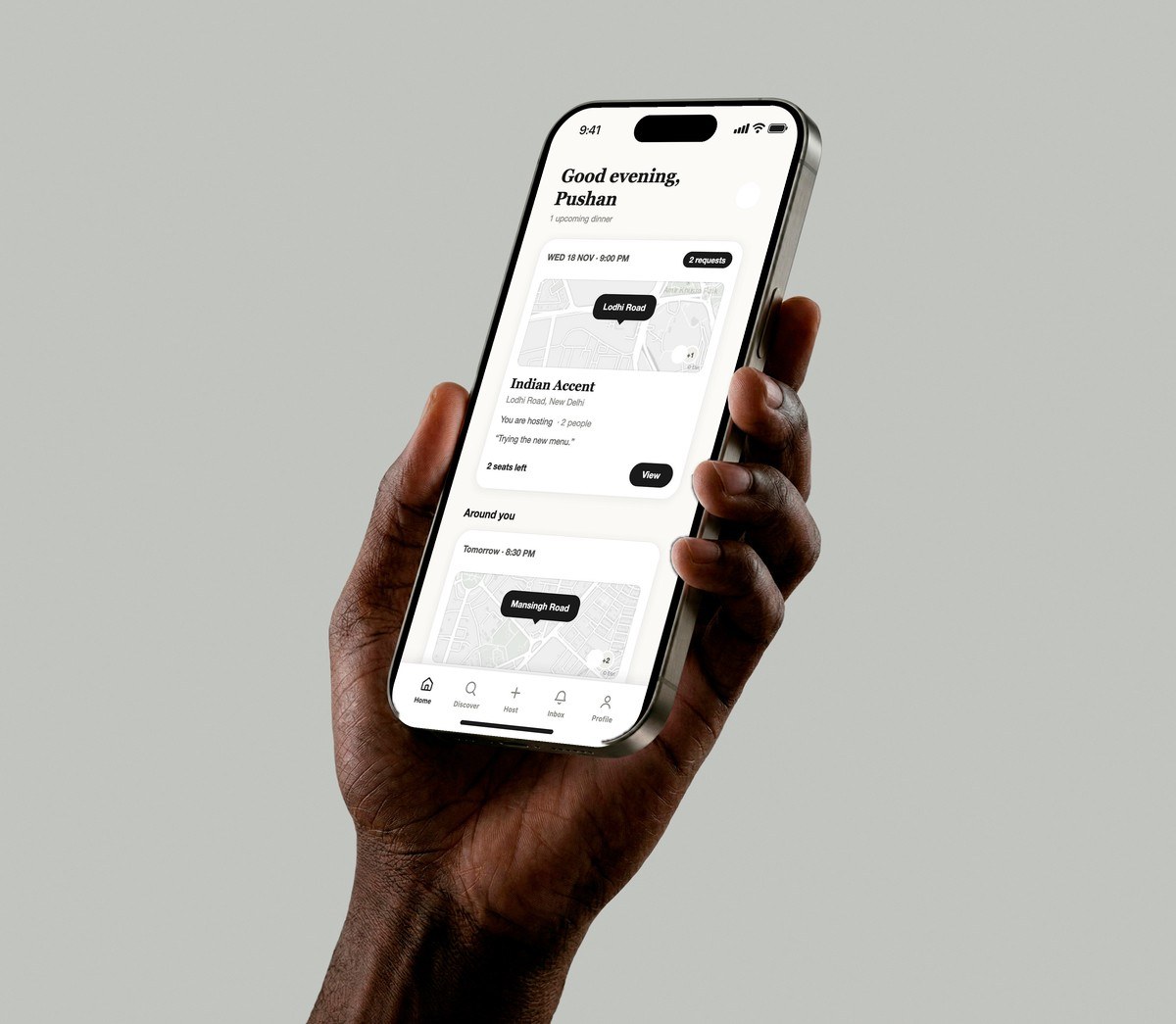
Host or join
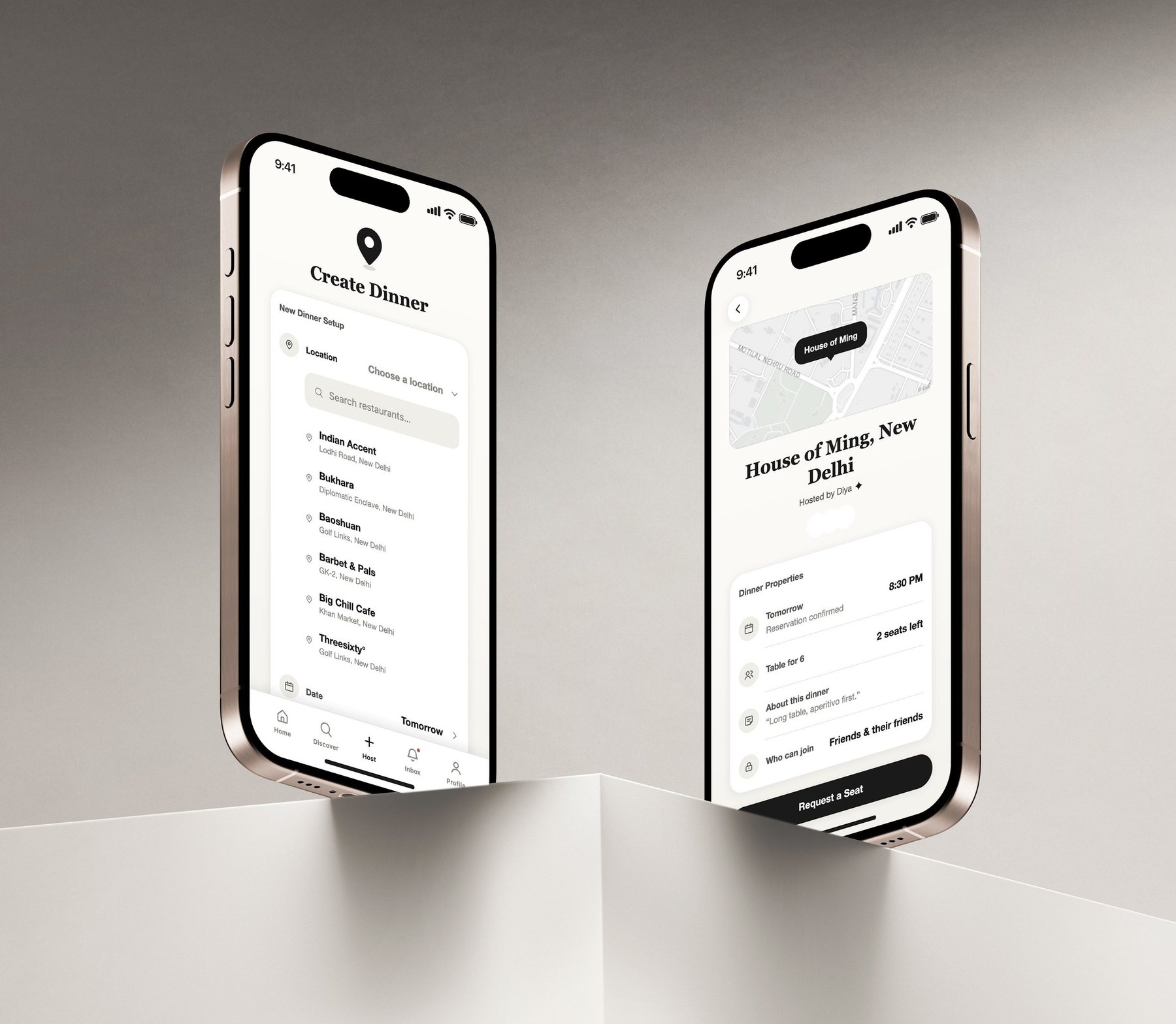
Host
Pick the restaurant and the date, set the number of seats and choose who can see it. Requests come to you, and nobody is in until you say yes.
Join
Every dinner shows who is hosting, who is already going, whether the reservation is confirmed, how many seats are left and who is allowed to join. Then it is one tap to request a seat.
Discover
Every listing is a dinner someone is hosting. Filter by tonight, tomorrow or this week, search by place, or switch to people and see who is in the network.
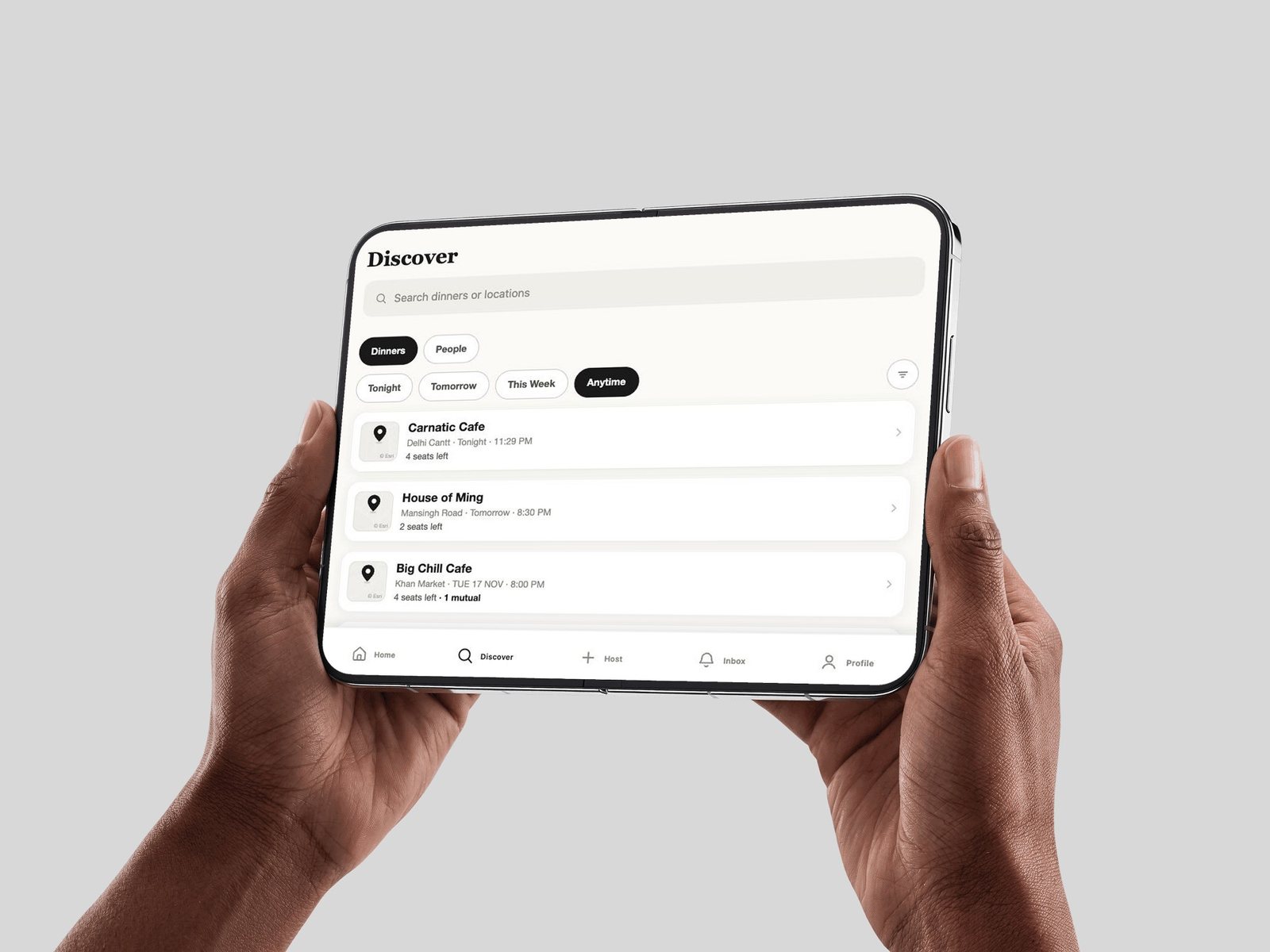
Every screen
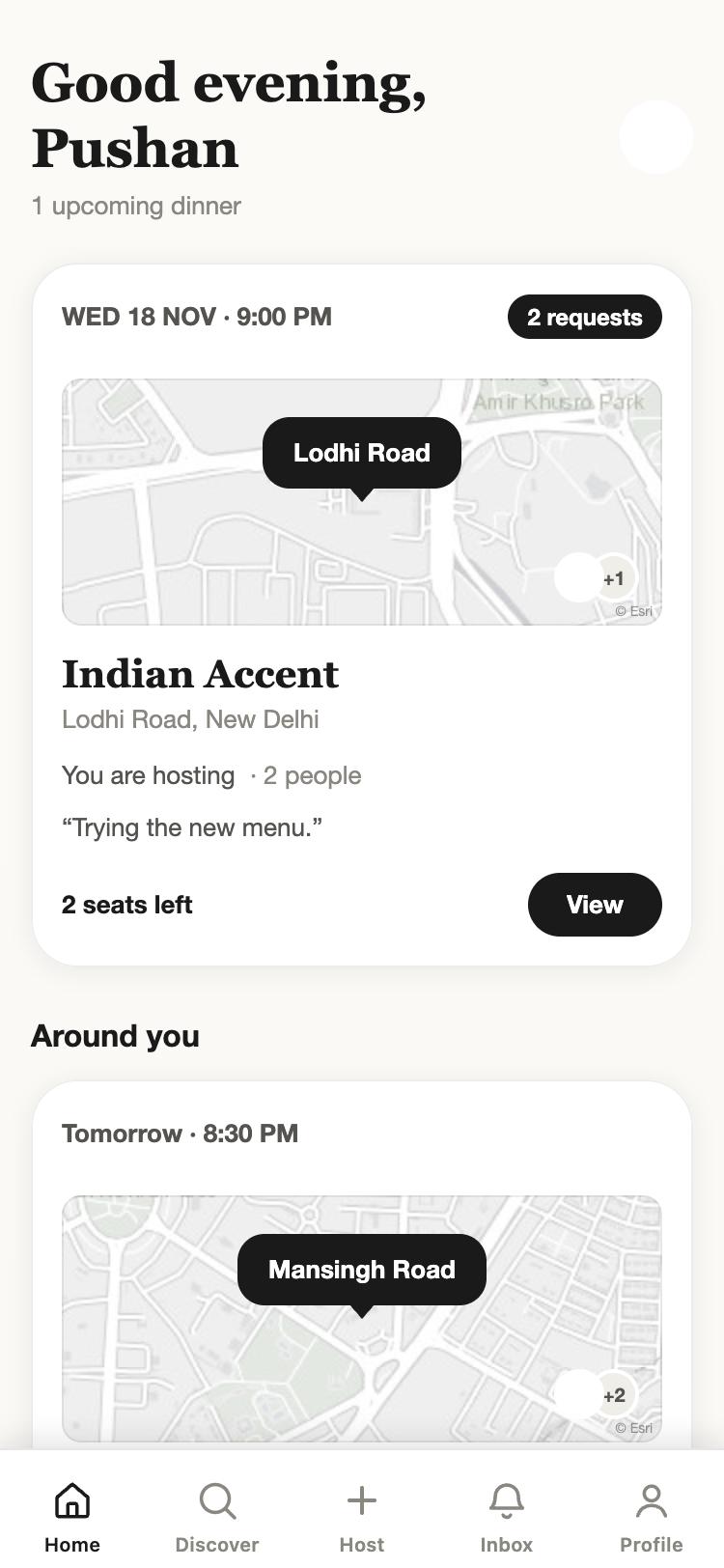
Your next table and what is on around you.
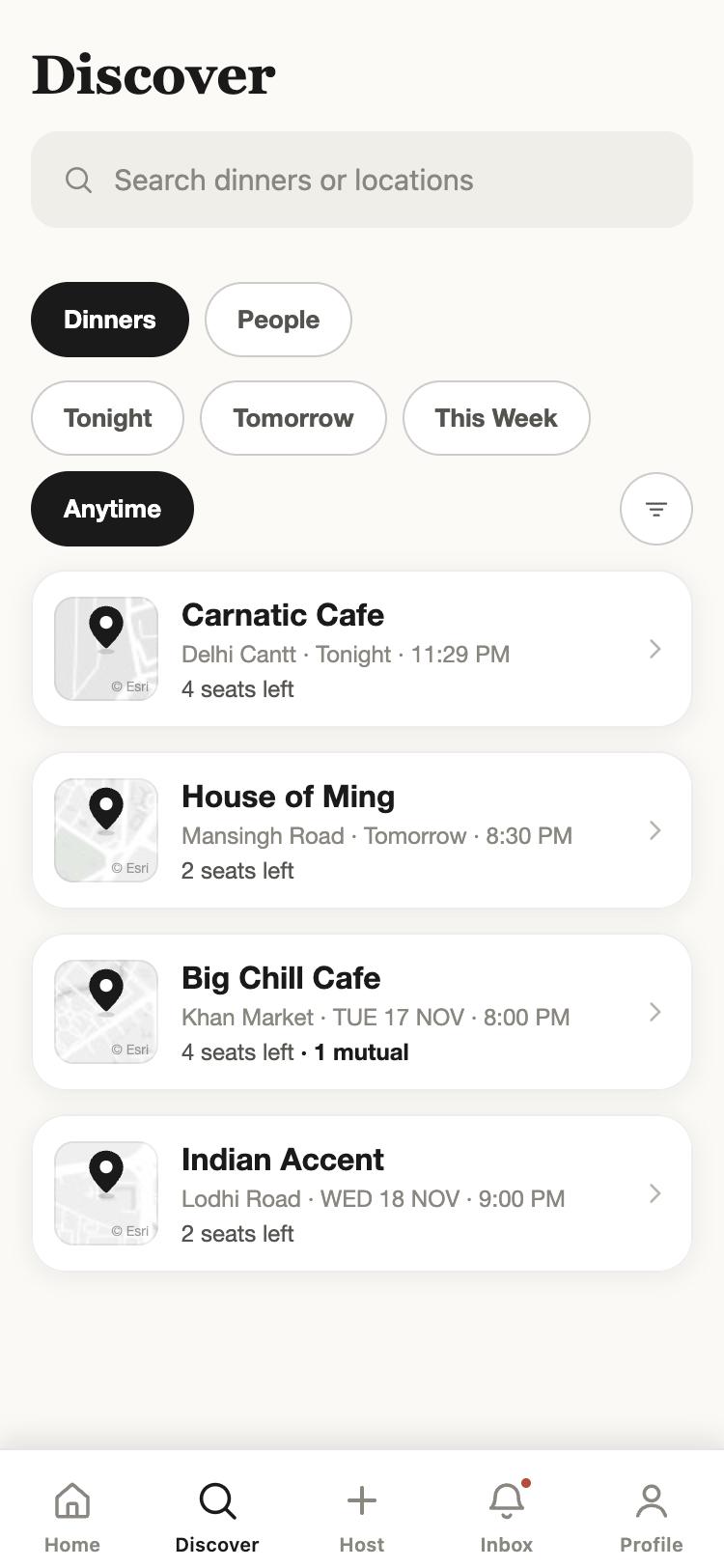
Every dinner with room, filtered by when.
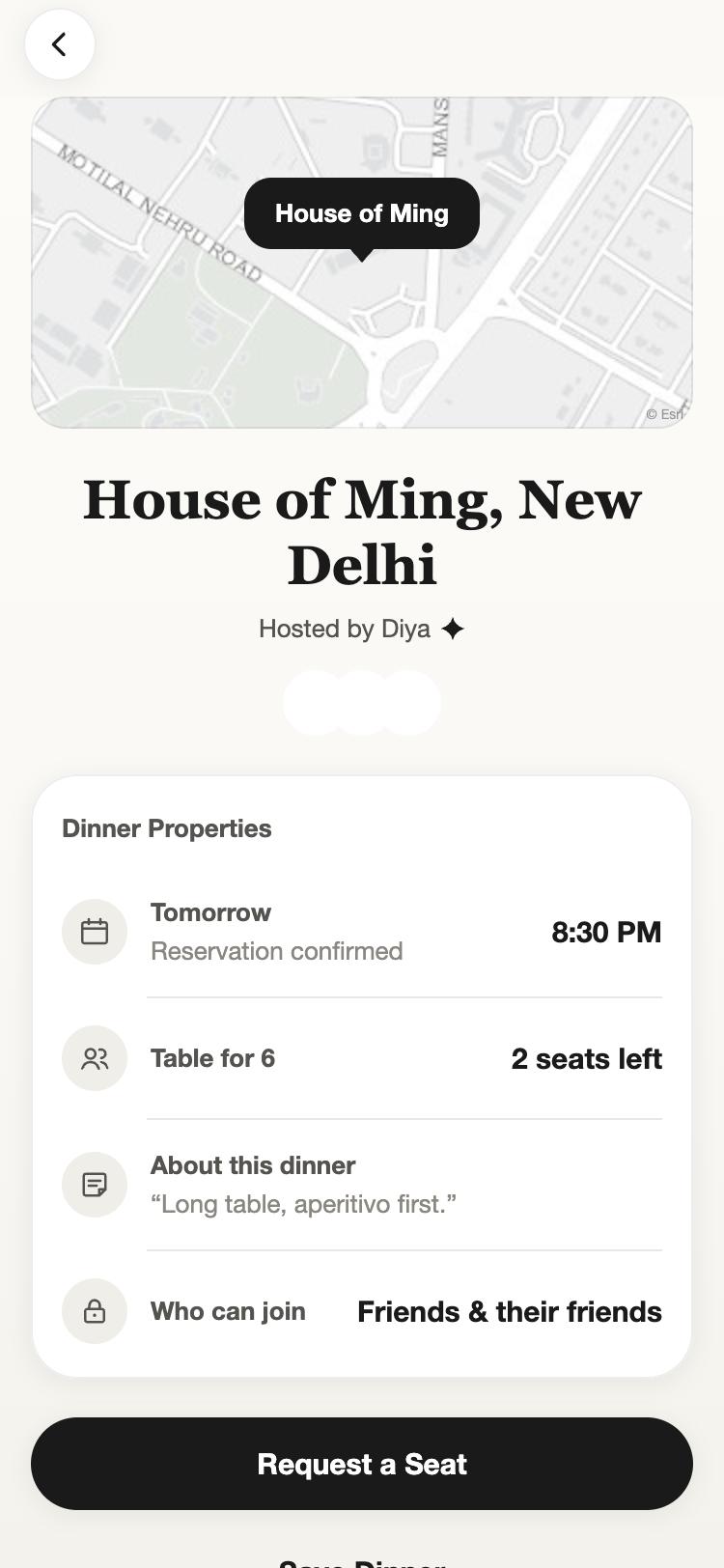
Host, guests, time and who can join.
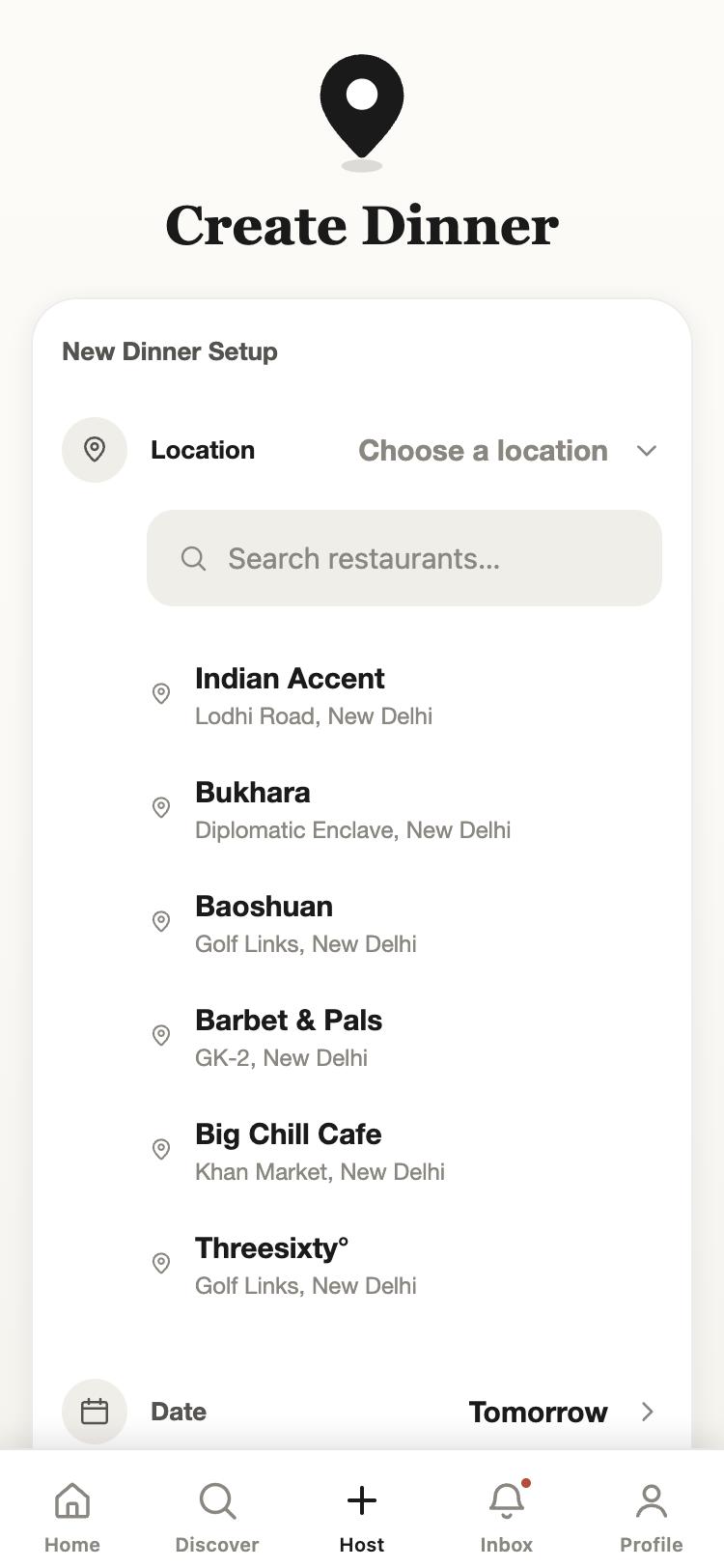
Restaurant, date, seats, guest list.
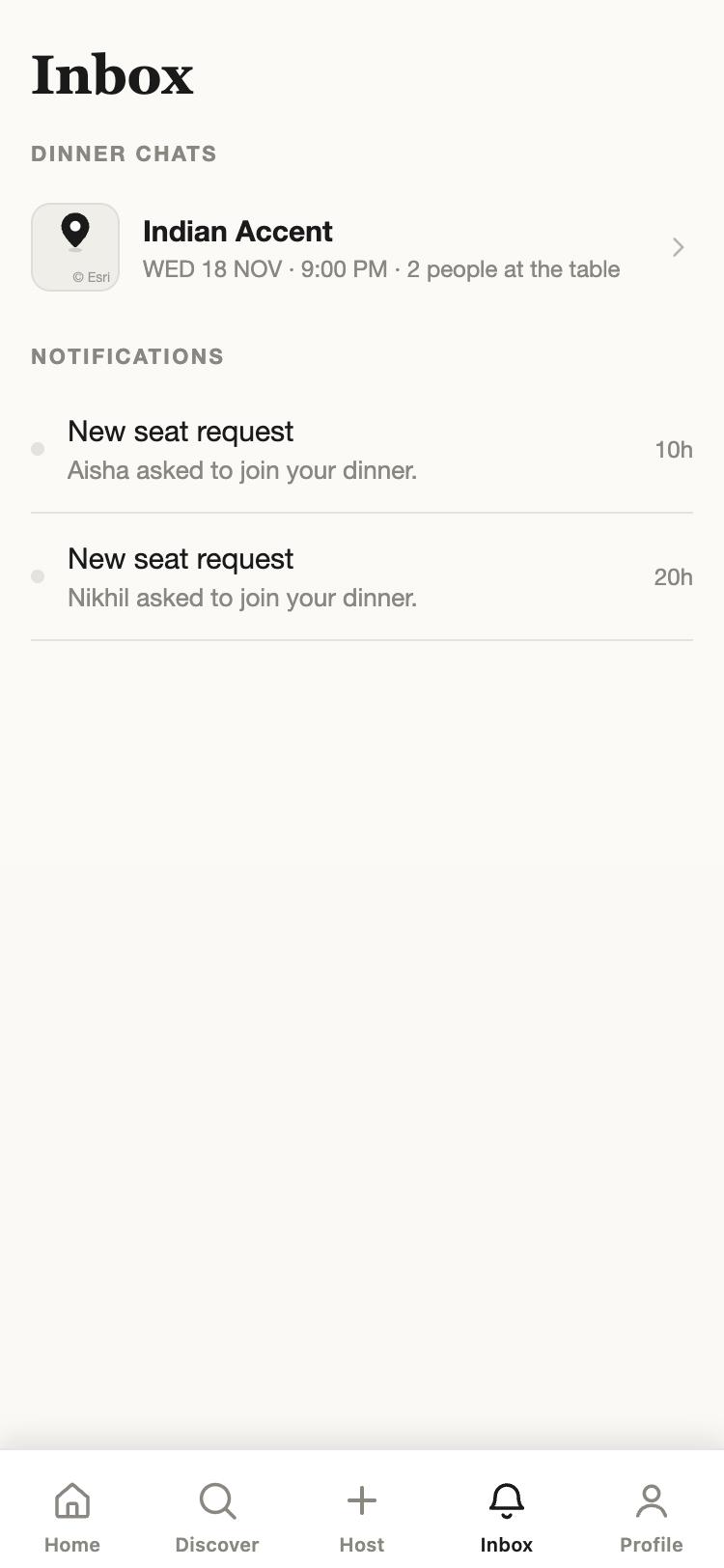
Seat requests and a chat for each table.
Screens are from the current build with demo members and tables. Member photos are not shown here.
Tell us who you are and where you like to eat. If you already have an invitation, open it on your phone and the app takes it from there.
Request an invitationor write to sup@chillzin.com